System Optimization · October 9, 2026 · ComputerKing Team
Windows 11 September Update Breaks USB Audio, HP/Lenovo Charging — 4 Pre-Update Steps and Rollback Guide
After September Patch Tuesday, Microsoft confirmed some USB audio devices fail with "Code 10" and go silent — and August's update corrupted HP BIOS and broke Lenovo charging. Do these 4 steps before updating, and know how to roll back.
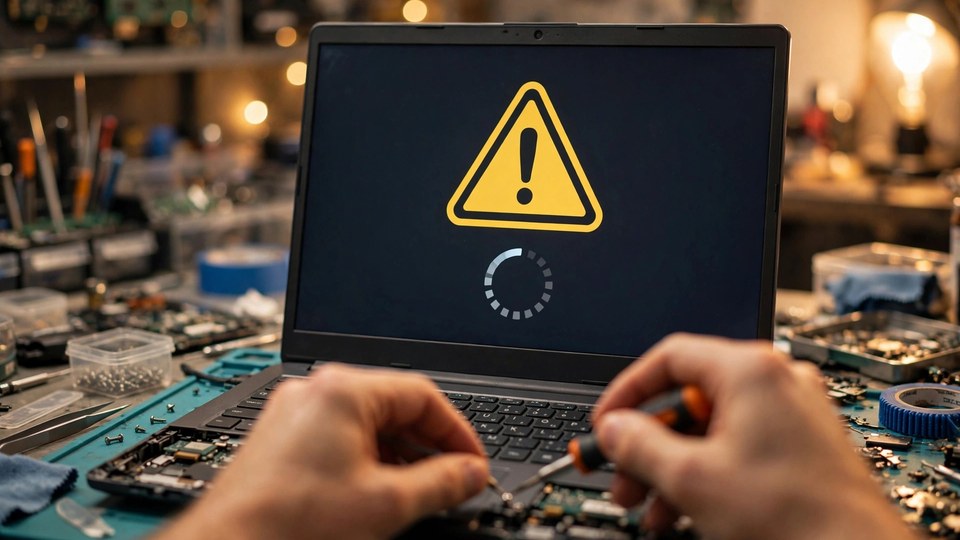
September update fallout: Microsoft confirms USB audio breakage
After the September Patch Tuesday for Windows 11 (KB5124008 / KB5124012), Microsoft confirmed in an official support article that some USB Audio Class 1.0 devices fail to start with "Code 10", produce no sound at all, and have unresponsive volume controls.
And it gets worse. August's KB5121003 was even nastier: HP laptop users reported corrupted BIOS that needed a BIOS reset to boot again, while Lenovo users saw AC power randomly disconnecting during charging. Both were fixed by rolling back the update.
Microsoft later released the out-of-band KB5129195 to fix some of the USB audio and Remote Desktop regressions, but scattered failure reports continue to surface.
4 pre-update steps that save your machine
Don't be a guinea pig every time. Before hitting "Check for updates", do these four:
1. Back up important data: if an update leaves the PC unbootable, no backup means real tears. At minimum, copy documents and photos to an external drive
2. Write down your BitLocker recovery key: 48 digits, found under "Settings → Privacy & security → Device encryption". Updates can trigger the BitLocker recovery screen — without this key the machine won't boot. This is the step most people skip
3. Don't go first: Settings → Windows Update lets you pause updates for one to two weeks. Wait until the fallout is clear
4. Note your driver versions: if something breaks and you need to roll back, you'll know which version was working
Already hit? Self-rescue steps for dead USB audio
If your headset or USB DAC went silent after the update:
1. Open Device Manager and find the audio device showing "Code 10"
2. Right-click → Properties → Driver → "Roll Back Driver"
3. If that fails, go to "Settings → Windows Update → Update history → Uninstall updates" and remove that cumulative update
4. Make sure the latest fix (KB5129195 or newer) is installed, then retry
HP / Lenovo fallout: don't touch firmware yourself
The HP case is BIOS corruption; the Lenovo case is charging-management misbehavior. Both touch the firmware layer.
Be clear: do not flash BIOS/UEFI yourself. A power cut mid-flash or the wrong image bricks the machine — not even the BIOS screen will come up. Cases like these belong in a repair shop; we have professional programmers to recover them.
For SMEs: update strategy shouldn't rely on luck
With a dozen or two PCs in the office, you can't gamble on each one:
- Use Intune or WSUS to defer update deployment — don't let machines install day one
- Pilot on one or two test machines first, roll out company-wide only when clean
- Know how to roll back in bulk instead of fixing machines one by one
---
PC won't boot after an update, no sound, or won't charge — don't experiment with BIOS flashes yourself. Bring it to ComputerKing and we'll roll back the update, fix drivers and recover BIOS. Shek Mun shop, call +852 2115 9219.
Frequently Asked Questions
My USB headset went silent after the update — is it broken?
Not necessarily. The September update is known to leave some USB Audio Class 1.0 devices with "Code 10" failed-to-start errors. Try rolling back the driver or uninstalling that update before buying a new headset.
Where do I find my BitLocker recovery key?
Check the Devices page of your Microsoft account, or write down the 48 digits from "Settings → Privacy & security → Device encryption" before updating. Without the key, the recovery screen won't let you boot.
Can I just never install updates?
Don't skip them long-term — security updates matter. The right move is to defer updates by one to two weeks to dodge the first wave of breakage, not to stop updating forever.
Can I reset a corrupted BIOS myself?
Some HP machines can reset the BIOS with a specific key combo, but don't attempt it if you're unsure. A failed BIOS flash bricks the machine — these cases are best brought in for repair.