Hardware Buying Guide · October 18, 2026 · ComputerKing Team
Apple's First Touchscreen MacBook Pro Reportedly Launching Around October 27: OLED + Touch + Thinner — 5 Things to Think Through Before Buying
Reports say Apple will launch its first touchscreen OLED MacBook Pro around October 27, alongside an M6 MacBook Pro and M6 iMac. Apple has not officially announced anything yet — it is still a rumour. 5 things to think through first: don't rush the first batch, screen repair complexity, back up before migrating, software compatibility, and don't rush if your old Mac still works.
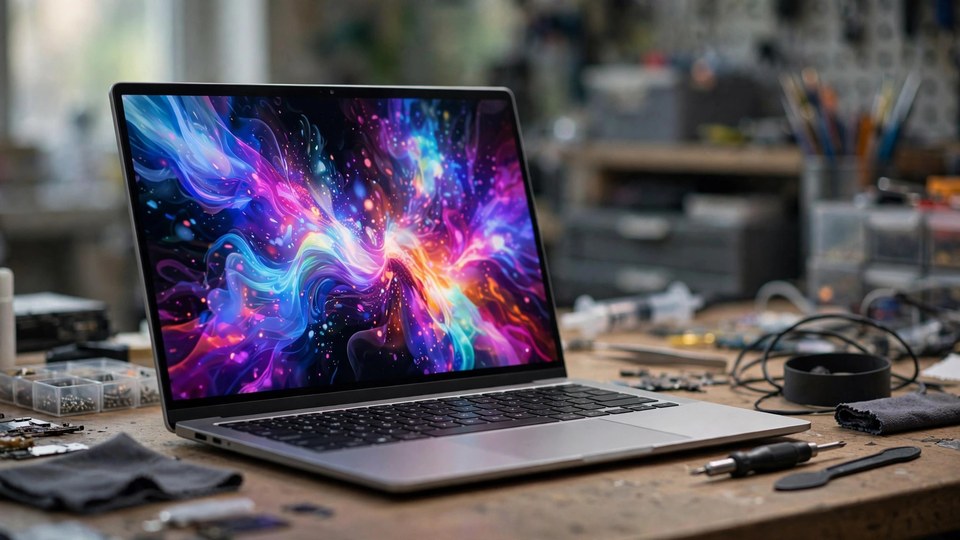
What the rumour says: around October 27 — not yet an official announcement
Bloomberg reporting (via MacRumors and other outlets) says Apple is expected to launch a batch of new products around October 27, including its first touchscreen OLED MacBook Pro, an M6 14-inch MacBook Pro, an M6 iMac and an OLED iPad mini, followed by a media hands-on experience in Los Angeles on October 28.
The most important sentence: as of writing, Apple has not officially announced any of these products. October 27 is a reported expected date, not an official date, and the specs and timing could still change. Do not place orders based on rumours, and do not sell your old Mac to wait for the new one.
The rumoured specs for the new MacBook Pro:
- 14-inch and 16-inch sizes, OLED display, native touch input
- Dynamic Island replacing the current notch
- Thinner, lighter body
- M5 Pro / M5 Max chips
- Plus a separate 14-inch MacBook Pro keeping the current design with just an M6 chip swap
Why the rumour is not baseless: the macOS 27.2 beta contains interface changes that look like preparation for touch, such as a long-press animation for Dock icons. But those are indirect clues, not evidence.
5 things to think through before buying
1. Don't rush the first batch
A first-generation redesign — new display + touch + a thinner body — is the most likely to have first-batch problems. Wait for early owners' reports and for reviews and teardowns to show the internal layout and cooling, then decide. You won't lose much by waiting.
2. An OLED + touch display will not be cheap or simple to repair
The display assembly combines a touch layer, an OLED panel and a thinner body, so repair complexity and parts cost will be higher than current models. Out-of-warranty screen repair for current MacBook Air / Pro models already starts at HK$7,000 (plus labour) — see our Hong Kong Computer Repair Price Guide 2026. The new model's prices are not announced, so do not treat current prices as the new model's prices. Before buying, factor in AppleCare+ cost and terms: does it cover accidental damage, and what is the screen repair excess?
3. Back up before migrating
Before moving your data to a new machine, make a full backup (Time Machine or an external drive). Don't wipe the old Mac straight away — keep it for another week or two, confirm all your data is on the new machine and your everyday apps run properly, then deal with the old one.
4. Check software compatibility
Touch-enabled macOS and professional software (video editing, design, engineering tools) may not fully support touch input right away. If you mostly work with an external display plus keyboard and mouse, touch may not be an essential feature, and it is not worth switching machines for.
5. If your old Mac still works, there is no rush
Switching just for touch is poor value. Real reasons to replace a machine are repair needs — a swelling battery, a failing keyboard, a faulty display. Repairing an old Mac costs far less than buying a new one, and a repaired machine can serve for years more.
If you do decide to buy: what to check
- Wait for Apple's official announcement, then compare specs, prices and release dates. Don't trust resellers or scalper pricing.
- Read the AppleCare+ terms: does it cover accidental damage, and what is the screen repair excess?
- On arrival, check immediately: bright or dark spots on the display, touch response across the whole screen, hinge stiffness, and fan noise. Keep the receipt.
- Don't open up a new machine yourself: DIY disassembly can void the warranty and you can easily damage a ribbon cable.
How we can help
ComputerKing offers:
- 🛒 Pre-purchase advice: based on what you actually use the machine for, honest advice on whether to wait for the new model or buy a current one
- 🔍 Old Mac inspection / repair assessment: battery, keyboard, display and cooling checked in one go, with a straight answer on repair vs replace
- 💾 Data migration + backup setup: your old Mac's data moved safely to the new one, Time Machine set up before you leave
- 🔧 New-machine check: display, touch, hinge and cooling verified right after purchase
📞 WhatsApp 2115 9219 to book, or visit us at Room 1209, 18 On Lai Street, Shek Mun, Sha Tin (Dalit Plaza).
*Last updated: October 18, 2026. Written by the ComputerKing Team. Launch date and specs follow press reports; after Apple's official announcement, official information prevails.*
Frequently Asked Questions
Has the touchscreen MacBook Pro been announced?
No. As of writing, Apple has not officially announced it. October 27 is a reported expected date from Bloomberg, not an official date. Wait for Apple's own announcement for confirmed news.
How does an OLED display differ from today's mini-LED?
Each OLED pixel emits its own light, giving higher contrast, truer blacks and a more vivid picture. The downside is burn-in risk when a static image is shown for a long time, and display repair is generally a whole display-assembly replacement, not just a glass swap.
Is buying an M4 MacBook now a mistake?
It depends on your needs. If your old machine still works and the M4 is discounted, it is already more than enough for most people. Waiting for touch means accepting the new model's price and first-generation redesign risk.
Does a touchscreen MacBook work like an iPad?
No. It is still a MacBook running macOS — touch is an extra input method, not the iPad's touch ecosystem and apps. Before buying, think about whether you actually need to tap the screen on a Mac.