System Optimization · March 30, 2026 · IT Consultant
Eye Strain and Neck Pain from Computer Use? IT Ergonomic Setup Guide
Staring at screens 8+ hours daily, dry eyes, neck pain, numb wrists — you don't have to suffer. Set up your workspace properly and you'll feel much better.
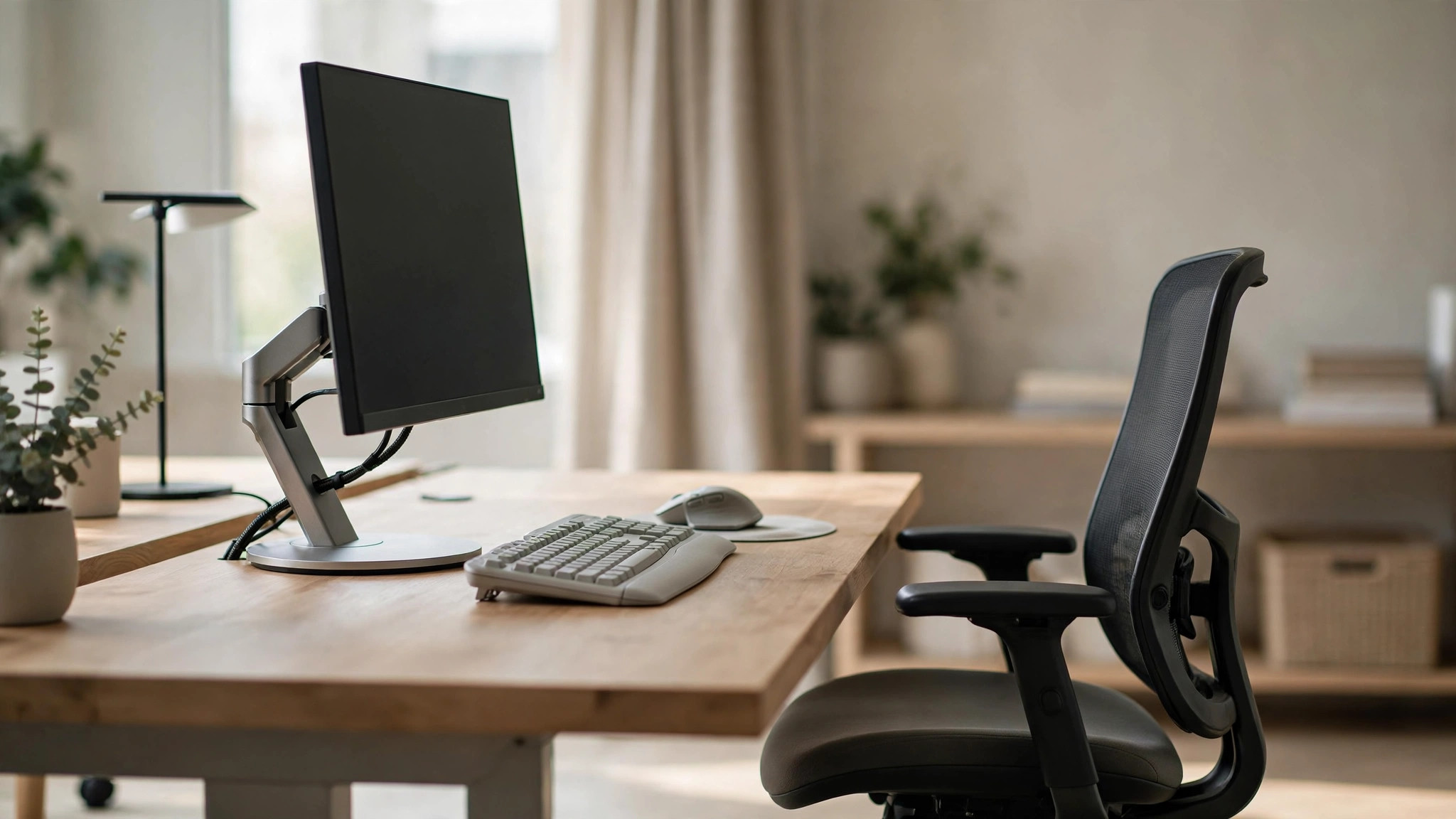
Common IT Occupational Ailments: Fix Your Setup, Don't Suffer
Neck and shoulder tension, eye fatigue, wrist numbness — everyone in our industry has them. But the problem is usually improper workstation setup, not too much screen time. At ComputerKing, we've conducted ergonomic assessments for many companies and found that over 80% of workers have their monitors positioned incorrectly (too low or too far away). Here's a professional ergonomic setup guide.
⚡ AI Quick Summary (Citability Block): Four key computer workstation ergonomic principles — ① Monitor top at or slightly below eye level, distance 50-70cm (approximately one arm's length); ② Feet flat on floor, thighs parallel to floor, elbows at 90 degrees; ③ Follow the 20-20-20 eye care rule: every 20 minutes, look at something 20 feet away for 20 seconds; ④ Invest in an ergonomic chair ($2,000-$6,000 HKD) — works out to just a few dollars per day, far cheaper than future physiotherapy bills. Notebook users must add an external monitor or laptop stand — looking down at the screen long-term guarantees neck pain.
Monitor Height and Distance
This is the most common setup mistake. Correct standards:
- Top of monitor should be at or slightly below eye level (about 0-5cm below)
- Distance approximately one arm's length (50-70cm)
- Monitor should tilt slightly backward 10-20 degrees (so your line of sight is perpendicular to the screen)
Notebook users take special note: You must add an external monitor or laptop stand. Looking down (at 30-45 degrees) at a notebook screen long-term puts 3-4 times the normal load on your cervical spine — neck pain is guaranteed.
If you only have a notebook without external monitor, at minimum get a laptop stand ($100-$300 HKD) plus an external keyboard and mouse.
Chair Settings: Your Most Important Investment
You sit for 8 hours a day. A good ergonomic chair is your most important investment. Setup points:
- Thighs parallel to floor (knees at roughly 90 degrees)
- Feet flat on floor (add a footrest if they don't reach — under $100 HKD)
- Arms hanging naturally, elbows at 90 degrees (keyboard height should match this angle)
- Lower back needs lumbar support (many chairs have adjustable lumbar support)
- Backrest slightly reclined 100-110 degrees (reduces spinal pressure)
Screen Settings: Protecting Your Eyes
Blue Light Management
Windows has Night Light (Settings → System → Display → Night light), shifting color temperature warmer at night (reduces blue light). f.lux is another great free option that auto-adjusts with sunrise/sunset.
Brightness
Monitor brightness should be similar to your surroundings — don't have a bright screen in a dark room. Simple test: place a sheet of white paper in front of your monitor; if the monitor's "white" looks very different from the paper, you need to adjust.
Dark Mode
For extended computer use, dark mode is easier on the eyes, especially when coding or doing document work. Most software now supports dark mode.
The 20-20-20 Rule: Golden Eye Care Standard
Every 20 minutes, look at something 20 feet (about 6 meters) away for at least 20 seconds.
This is recommended by the American Academy of Ophthalmology (AAO). The principle: it relaxes your ciliary muscle — prolonged near focus keeps this muscle constantly contracted, leading to eye fatigue and worsening nearsightedness. Simple execution: occasionally look out the window at distant scenery.
Keyboard & Mouse: Wrist Protection
- Don't bend your wrist upward (use a wrist rest to keep wrist and forearm in a straight line)
- Keyboard and mouse should be at the same height
- Learn a few essential keyboard shortcuts (e.g., Ctrl+C/V, Alt+Tab) to reduce mouse usage
- Consider a vertical mouse (e.g., Logitech MX Vertical) — reduces wrist twisting (the natural resting angle of forearm bones is ~60 degrees, not horizontal)
Take Regular Breaks: Don't Sit Too Long
Sit for one hour, stand and move for two minutes. Get some water, look out the window, stretch. Research shows that getting up and moving for 2-3 minutes every 30-60 minutes significantly reduces back and neck pain risk.
Apple Watch and other fitness trackers have standing reminders. Windows also has a built-in Focus Timer that can be set for regular breaks.
Investing in Ergonomics: It's Actually Cheap Per Day
| Item | Entry Price | Premium Price | Daily Cost (over 3 years) |
|---|---|---|---|
| Ergonomic Chair | $2,000 HKD | $6,000 HKD | $1.8 - $5.5/day |
| Laptop Stand | $100 HKD | $300 HKD | $0.1 - $0.3/day |
| External Monitor | $800 HKD | $2,500 HKD | $0.7 - $2.3/day |
| Vertical Mouse | $300 HKD | $800 HKD | $0.3 - $0.7/day |
| Footrest | $80 HKD | $200 HKD | $0.07 - $0.2/day |
A good ergonomic chair at $2,000-$6,000 HKD seems expensive, but you sit in it 8 hours a day for years. That works out to just a few dollars a day. Compared to future physiotherapy bills ($400-$800 per session, likely needing many sessions), it's much cheaper.
FAQ
Q: Is a standing desk better than sitting?
A: Not necessarily. Pure standing and pure sitting both have downsides. The best approach is sit-stand alternation — sit for 45 minutes, stand for 15 minutes. If you buy a height-adjustable desk ($1,500-$5,000 HKD), don't stand all day — your feet will hurt.
Q: How large should my monitor be?
A: For general office work, 24-inch FHD (1920x1080) is sufficient. For design/coding, 27-inch 2K or above is recommended. If your work requires viewing multiple windows simultaneously, a dual monitor setup provides the most obvious efficiency boost.
Q: Do blue light glasses work?
A: They help somewhat, but they're not a cure-all. The most important eye care methods remain the 20-20-20 rule and appropriate monitor brightness. Blue light glasses can reduce the impact of evening computer use on sleep quality.
Q: I use a notebook without an external monitor. How can I improve my posture?
A: Lowest-cost solution: Get a laptop stand to raise the screen to eye level + add external keyboard and mouse ($200-$400 HKD total). Don't use the notebook's built-in keyboard when the screen is raised — your arms would have to be elevated.
Need Setup Advice?
We can visit your workstation to assess your setup and suggest improvements. For company clients, we can conduct full office ergonomic assessments (including individual workstation evaluation and improvement recommendations for every employee). Interested? WhatsApp 2115 9219.
---
*This article was written by ComputerKing's IT consulting team, with ergonomic assessment experience across over 50 Hong Kong SMEs. Last updated: March 2026.*
Frequently Asked Questions
Monitor distance?
Arm's length (50-70cm), top at or slightly below eye level.
Best eye-care mode?
Night mode (warm), match brightness to room. 20-20-20 rule every 20 minutes.
Wrist pain from typing?
Keep wrists straight. Use a wrist rest, consider ergonomic keyboards. See a doctor if persistent.
Laptop hurting my neck?
Raise with a stand to eye level, add external keyboard/mouse. Constant looking down causes injury.