Data Recovery · October 8, 2026 · ComputerKing Team
NAS Data Recovery Guide: Synology/QNAP Rescue (Hong Kong)
Volume crashed, red lights, rebuild failed? Every action decides your data's fate. Correct handling procedures and common traps explained.
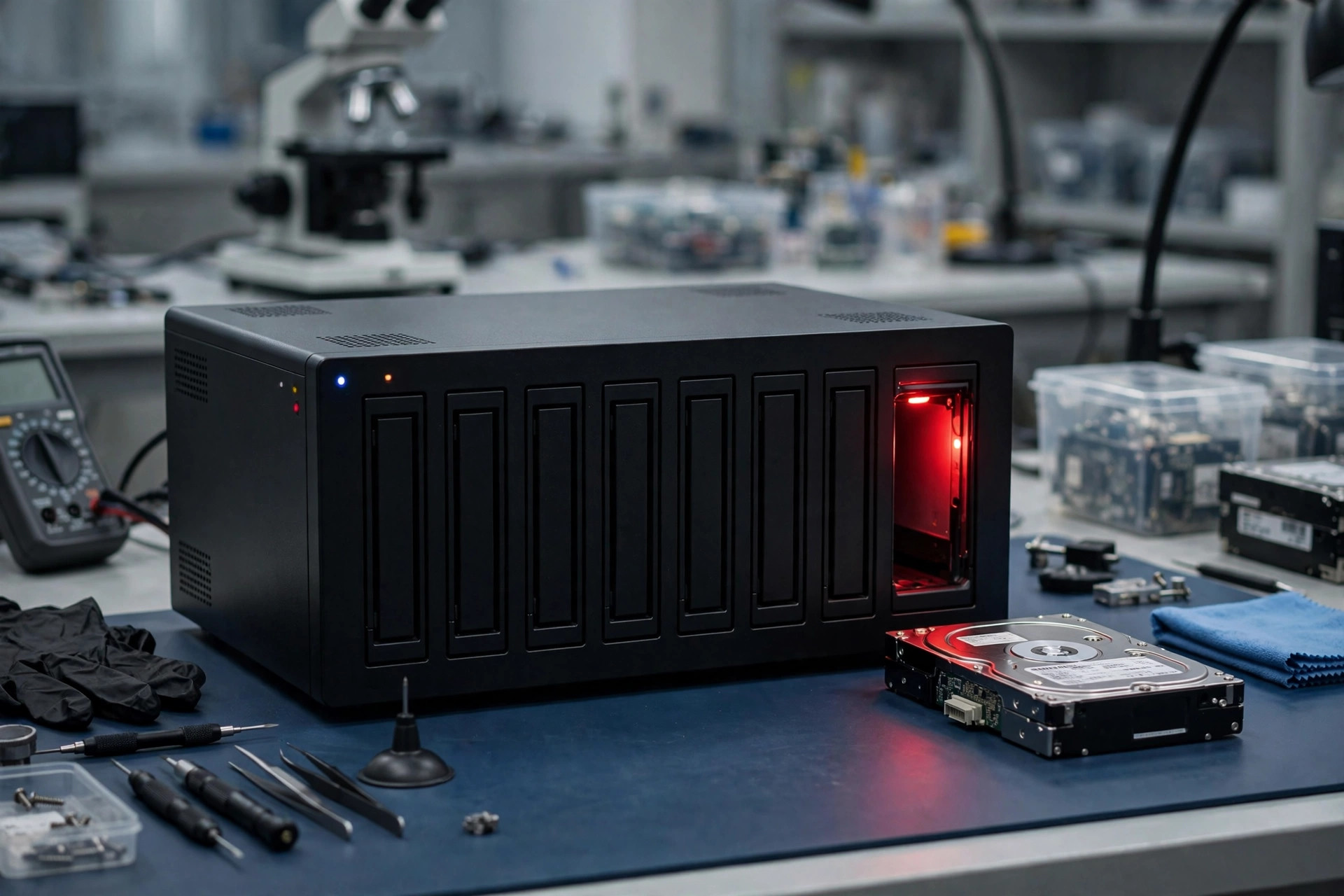
NAS Failed? 90% Get the First Step Wrong
"I saw it was degraded, so I bought a new disk and hit rebuild — then the whole volume vanished." We hear this monthly.
A NAS is an array system, not a USB drive. The correct response is often the opposite of your instinct.
Golden Rule: Don't Click Any "Repair" Button
"Repair", "rebuild", "initialize" in the NAS interface are all write operations. On a damaged array, they can overwrite your files with bad data.
The classic trap: stale drive. A disk silently offline for months; you hit rebuild and the system "repairs" using that stale disk's data — overwriting the entire array with garbage.
Correct move: power off immediately, bring all disks in.
Our Rescue: Virtual Rebuild
We never touch your originals: image every disk, analyze array parameters on the images, rebuild virtually, verify consistency, repair the file system, extract data. Zero writes, zero risk.
Prevention: NAS Is Not Backup
RAID is not backup. It guards against disk failure, not deletion, ransomware or fire. Proper 3-2-1: NAS copy, external drive copy, cloud copy. And enable snapshots — Synology Btrfs and QNAP snapshots restore deleted files in seconds.
Frequently Asked Questions
Red light — is the disk dead?
Not necessarily. Could be disk, backplane, power, or false alarm. Each disk needs testing.
Can I bring just the failed disk?
Not recommended. Array rescue needs all disks analyzed together.
SHR vs RAID 5?
SHR is Synology's automated RAID, Linux RAID underneath. We handle both.
Will recovered data be a mess?
No. Virtual rebuild restores original folder structure and filenames.