Apple維修 · October 5, 2026 · Apple 認證技師
Why Is Mac Repair So Expensive and Difficult? Cost Breakdown + 7 Must-Knows Before You Send It In
iMac displays glued on, Apple Silicon RAM/SSD soldered down — Mac repair difficulty is no illusion. A cost breakdown plus 7 things to do before sending your Mac in.
Expensive Is Common Knowledge — But Most People Can't Say Why
"Is Mac repair expensive?" — yes, that's common knowledge. But ask where the cost comes from and why it's difficult, and most owners can only say "it's just expensive." Today we'll break it down: how Apple's design makes repair hard, what the costs actually consist of, and 7 things you must know before sending your Mac in.
Why Is It Hard? Apple's Design Philosophy Is "Don't Fix It Yourself"
1. Displays glued on (iMac)
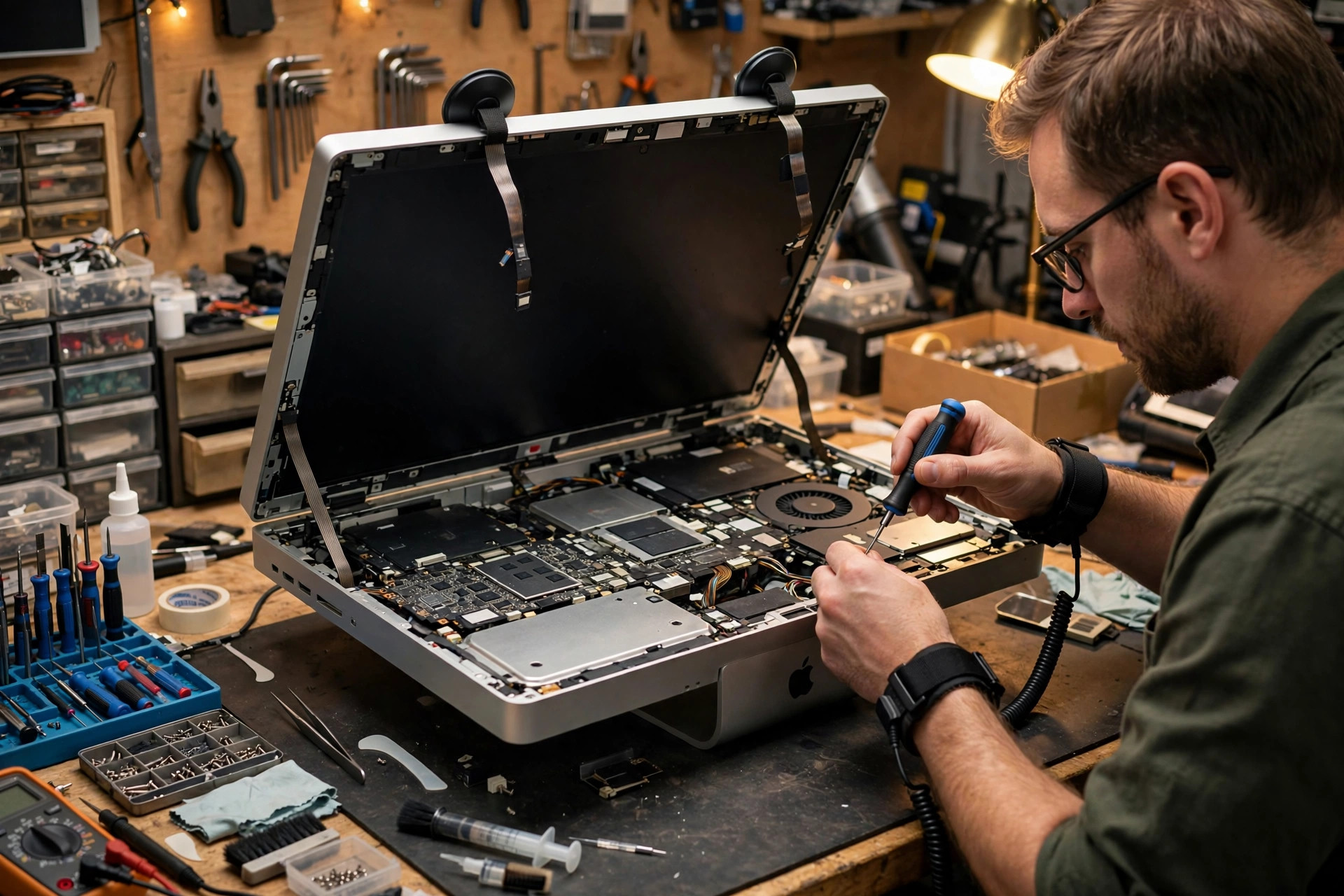
Older iMacs don't use screws for the display — the entire screen is held by adhesive strips. Replacing anything inside starts with cutting the adhesive and lifting the whole display; afterwards you must clean off old glue and apply new strips before closing up. Rush it and the screen cracks.
2. Soldered RAM and SSD (Apple Silicon era)
Since M1, RAM and SSD are soldered directly onto the chip/board. If either fails, it's not a "swap the RAM stick" job — it's a whole-logic-board matter. The Intel era still allowed RAM upgrades and SSD swaps; now there's none of that.
3. Parts pairing
More and more Apple components carry unique serial numbers bound to the host machine. Install a third-party part or one pulled from another machine and some features may be locked (True Tone, Touch ID, battery health readout). Fitting physically doesn't mean fully working.
4. Security screws and encrypted boot
Pentalobe screws, the T2 chip / Apple Silicon secure boot have essentially eliminated the "let me open it and take a look" option. Without dedicated tools, you can't even remove the first screw.
Where Does the Cost Go? A Breakdown
| Cost item | Why it's expensive |
|---|---|
| Parts | Genuine Apple parts are pricey with few third-party alternatives; some parts are only available through official channels |
| Labor time | An iMac display removal alone can take 1–2 hours, plus the risk of cracking the screen |
| Specialized tools | Adhesive strips, suction cups, Torx/Pentalobe drivers — all cost money |
| Data recovery | Soldered SSD + full-disk encryption: a dead board makes data recovery several times harder and costlier than on a Windows PC |
iMac Hard Drive Replacement: Looks Simple, Is Actually Skilled Work
Many customers think "it's just swapping a hard disk, how hard can it be?" Take a look inside this iMac: the 3.5-inch Seagate drive sits in a mounting bracket deep inside — and the entire display must come off first.
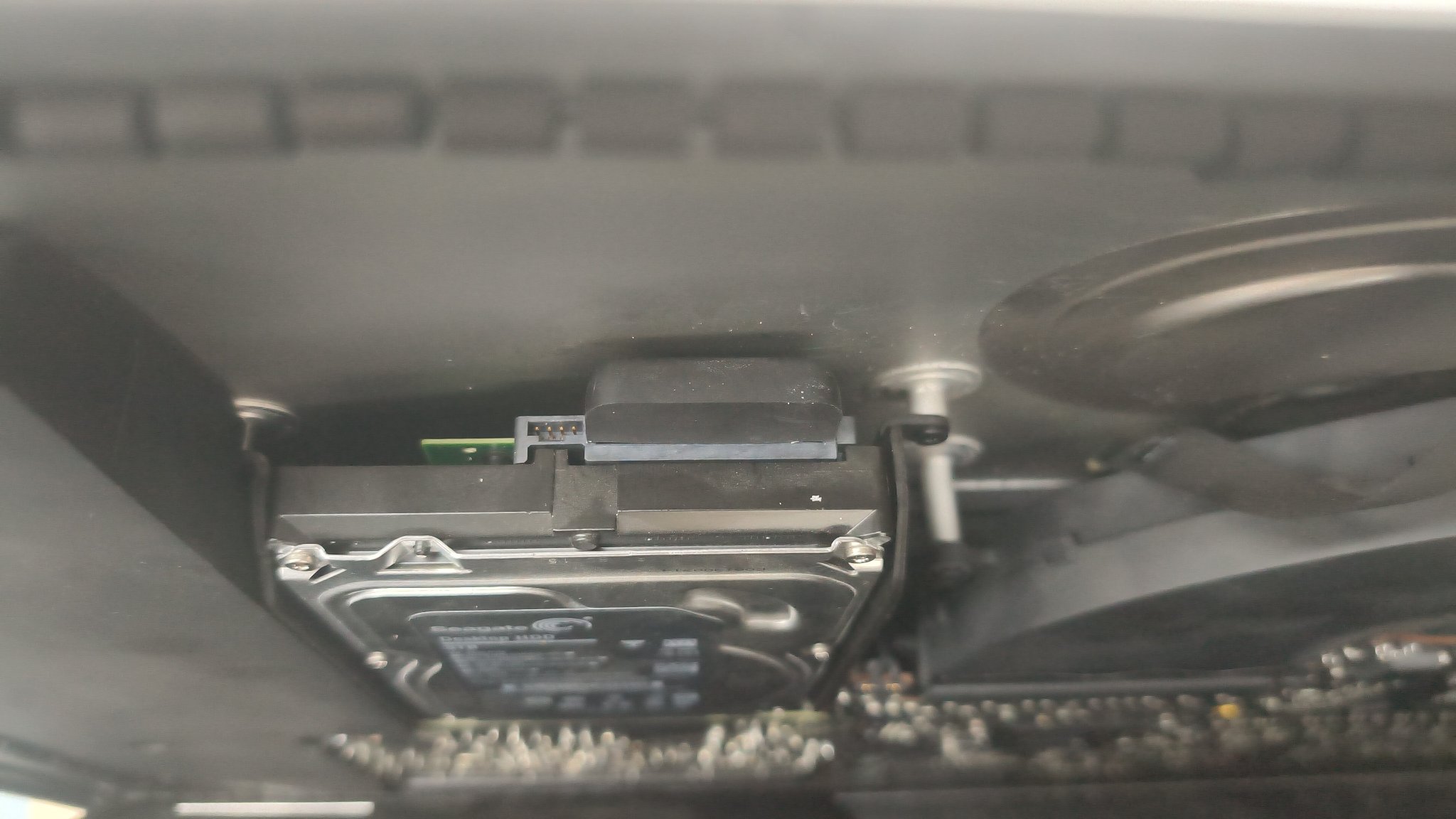
The full procedure: cut adhesive → remove display → remove bracket → swap drive → clean dust → apply new adhesive strips → reseat display → test. One mistake and you get dust trapped behind the glass (maddening to look at) — or worse, a cracked display that can cost more than a second-hand iMac.
7 Things to Know Before Sending Your Mac In
1. Back up first — non-negotiable
Run a full Time Machine backup. Especially on Apple Silicon Macs: a logic board replacement means your data is definitely gone, unrecoverable. Sending it in without a backup is gambling.
2. Turn off Find My Mac / Activation Lock
Sign out of iCloud or disable Find My before the repair. With Activation Lock on, technicians can't even run diagnostics, which slows everything down.
3. Check your warranty status
Still under Apple warranty or AppleCare? Any third-party disassembly voids it immediately. In-warranty machines should go through official channels; consider independent shops only after warranty expires.
4. Know your machine: Intel vs Apple Silicon
The repair outlook differs enormously. Intel Macs still have replaceable parts and recoverable data; a dead Apple Silicon logic board is close to a death sentence. The first thing any technician asks is your model and year.
5. Swollen battery: stop using it immediately
A bulging MacBook bottom case or an unclickable trackpad likely means a swollen battery. Stop charging it, don't puncture it, and send it in ASAP. A swollen battery is a safety issue, not a "fix it later" item.
6. Pack the display properly for transport
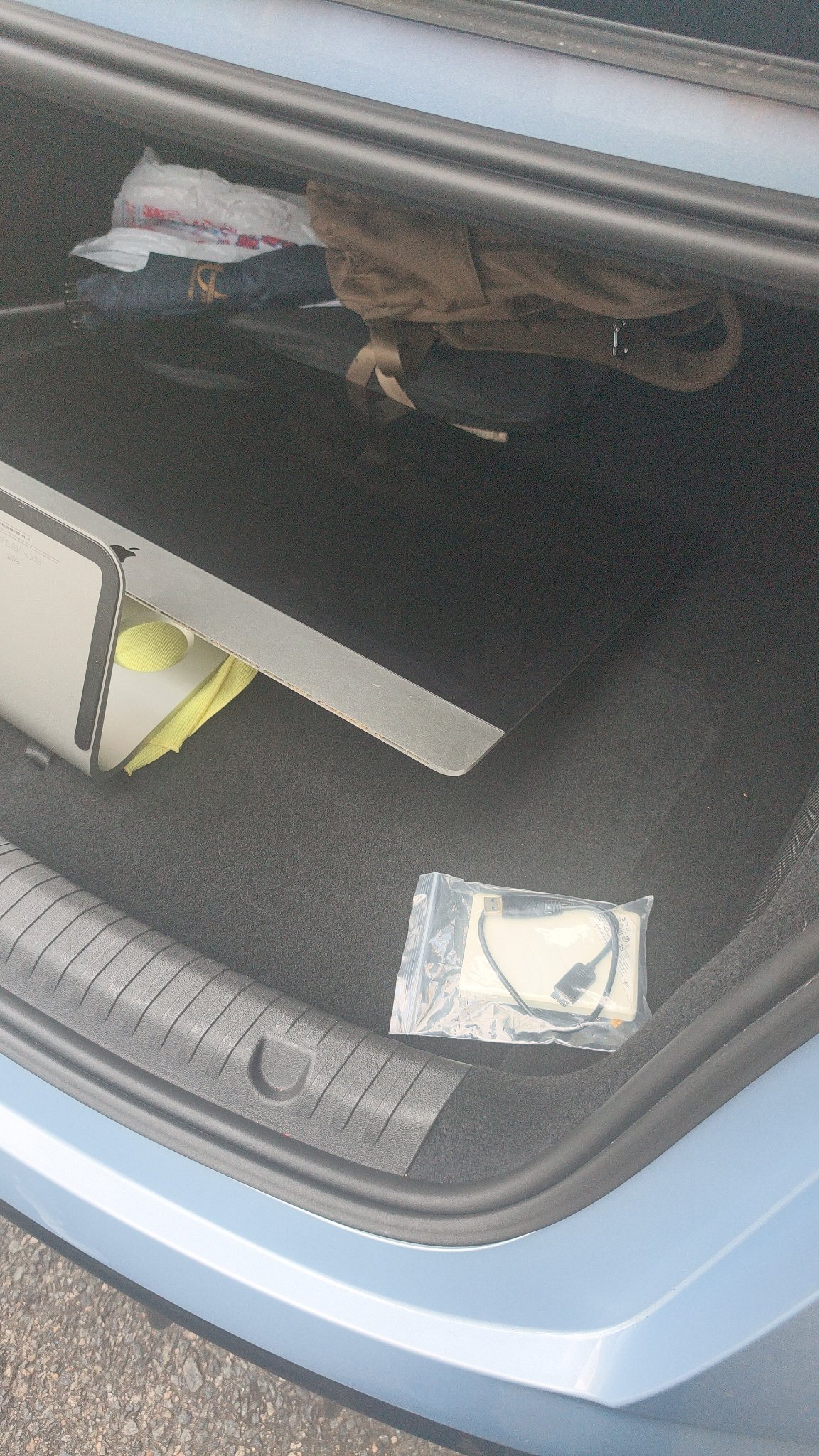
When transporting an iMac or Studio Display for repair, the screen must be padded and protected. We've seen too many machines arrive with scratched or cracked displays from transport — what started as a hard drive swap ended with a display replacement too.
7. Ask for a clear quote structure
Ask three things: parts cost, labor cost, and whether you pay if the repair fails or data can't be recovered. A reputable shop quotes these separately instead of a vague all-in price with surprises later.
FAQ
Q: My Apple Silicon Mac has a dead logic board — can my data be recovered?
A: Very unlikely. The SSD is soldered to the board with full-disk encryption, so a dead board usually means the data is gone. Only board-level repair (chip replacement, micro-jumpers) offers a slim chance, and it isn't cheap. Backing up is the only real answer.
Q: Can I replace the SSD in my iMac myself?
A: Depends on the year. 2012–2019 27-inch iMacs are theoretically doable, but you must cut adhesive and reapply strips — beginners easily crack the display or trap dust inside. Retina models and the M1+ 24-inch iMac (soldered SSD) are non-starters. Not recommended if you're not experienced.
Q: Will an independent shop repair void my Apple warranty?
A: Yes. Any disassembly by a non-authorized provider voids Apple warranty/AppleCare immediately. In-warranty machines should go to Apple Stores or authorized centers.
Q: My MacBook battery is swelling — can I keep using it?
A: No. Swollen batteries are a fire risk. Stop using and charging it immediately and send it in ASAP. Don't try to remove or puncture it yourself.
Q: How much does Mac repair usually cost?
A: It depends on model and job: MacBook battery replacement around $800–$1,500; iMac disassembly jobs with parts typically from $1,000; board-level repair $1,500–$4,000. Actual quotes require seeing the machine — these are reference ranges only.
Q: Do I need to back up before sending my Mac in?
A: Absolutely. Repairs may involve OS reinstallation, logic board replacement, or NVRAM resets — any of which can wipe your data. Run a full Time Machine backup first.
Frequently Asked Questions
My Apple Silicon Mac has a dead logic board — can my data be recovered?
Very unlikely. The SSD is soldered to the board with full-disk encryption, so a dead board usually means the data is gone. Only board-level repair offers a slim chance, and it isn't cheap. Backing up is the only real answer.
Can I replace the SSD in my iMac myself?
Depends on the year. 2012–2019 27-inch iMacs are theoretically doable, but you must cut adhesive and reapply strips — beginners easily crack the display or trap dust inside. Retina models and the M1+ 24-inch iMac (soldered SSD) are non-starters.
Will an independent shop repair void my Apple warranty?
Yes. Any disassembly by a non-authorized provider voids Apple warranty/AppleCare immediately. In-warranty machines should go to Apple Stores or authorized centers.
My MacBook battery is swelling — can I keep using it?
No. Swollen batteries are a fire risk. Stop using and charging it immediately and send it in ASAP. Don't try to remove or puncture it yourself.
How much does Mac repair usually cost?
It depends on model and job: MacBook battery replacement around $800–$1,500; iMac disassembly jobs with parts typically from $1,000; board-level repair $1,500–$4,000. Actual quotes require seeing the machine — these are reference ranges only.
Do I need to back up before sending my Mac in?
Absolutely. Repairs may involve OS reinstallation, logic board replacement, or NVRAM resets — any of which can wipe your data. Run a full Time Machine backup first.