Apple Repair · October 8, 2026 · ComputerKing Team
Spilled on Your Mac? Don't Panic — 5 Emergency Steps (and 3 Fatal Mistakes)
Coffee spilled on your Mac? The first seconds decide its fate. Five must-do emergency steps plus the three fatal mistakes most people make.
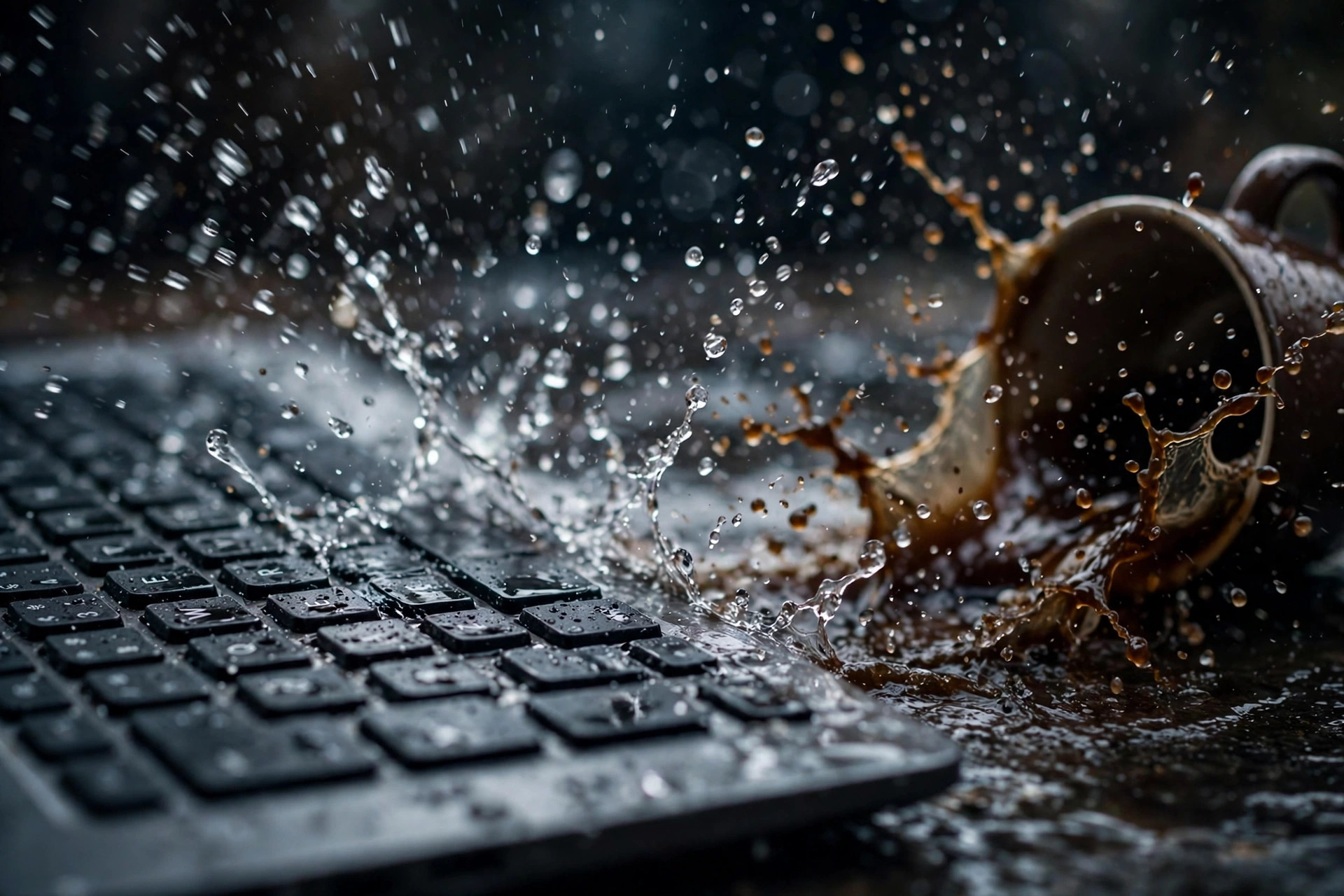
The Second You Spill Decides Your Mac's Fate
Coffee, bubble tea, soup — Hong Kong MacBooks live under constant liquid threat. Liquid damage is one of the most common emergencies we see, and many machines die from wrong handling, not from the spill itself.
Remember these five things — they can save your machine when it counts.
1: Power Off Immediately, Don't Think
The moment liquid hits, the first move isn't wiping — it's powering off. Hold the power button to force shutdown; don't bother with a normal shutdown. Water on a powered board causes instant short circuits. Every second counts.
2: Unplug Everything, Flip It Over
Remove the charger and all USB devices. Then flip the machine keyboard-down so water drains outward instead of seeping deeper into the logic board. Don't shake it.
3: Don't Power It On to "Check"
The most common fatal mistake. People wipe the surface dry, then eagerly power on to see "if it still works" — and the residual water instantly shorts the board. Don't power on for 48 hours after a spill. Wait for professional inspection.
4: No Hair Dryers, No Rice
A hair dryer's hot air drives water deeper into crevices while heat damages components. The rice trick is an urban myth — rice starch and debris stick to the board and make professional cleaning harder. Air-dry in ventilated space is enough.
5: The Sooner It's Serviced, the Better
Minerals and sugars in the liquid corrode the board, and corrosion worsens with time. We regularly see machines that "seemed fine" after wiping, then won't boot two weeks later. Professional ultrasonic cleaning done early maximises recovery chances.
What to Tell the Repair Shop
Tell the technician: what liquid it was (water vs sugary drinks need different treatment), whether you powered it on afterwards, and how long ago it happened. This directly affects the recovery plan and success rate.
Liquid damage can't wait. ComputerKing does board-level cleaning and repair — the earlier it arrives, the better the chance of avoiding a board replacement, and the price difference between saved and replaced is huge.
Frequently Asked Questions
What should I do first when my Mac gets wet?
Force power off immediately, unplug everything, flip keyboard-down to drain. Don't power on for 48 hours — bring it in for professional inspection ASAP.
Does the rice trick actually work?
No, and it backfires. Rice debris sticks to the logic board and makes professional cleaning harder. Air-dry and get it serviced promptly instead.
It still powers on after the spill. Do I need repair?
Yes. Minerals in the liquid slowly corrode the board — fine today doesn't mean fine in two weeks. Earlier professional cleaning means better recovery odds and lower cost.
Does it matter what liquid it was?
Yes. Sugary and milky residues stick to components and accelerate corrosion, making cleaning much harder. Always tell the technician what spilled.