Hardware Repair · April 30, 2026 · Hardware Expert
Laptop Battery Not Charging? Replace Battery or Replace Laptop?
Laptop battery aging is inevitable. Always plugged in, battery lasts only 30 minutes — when to replace the battery vs. when to get a new laptop?
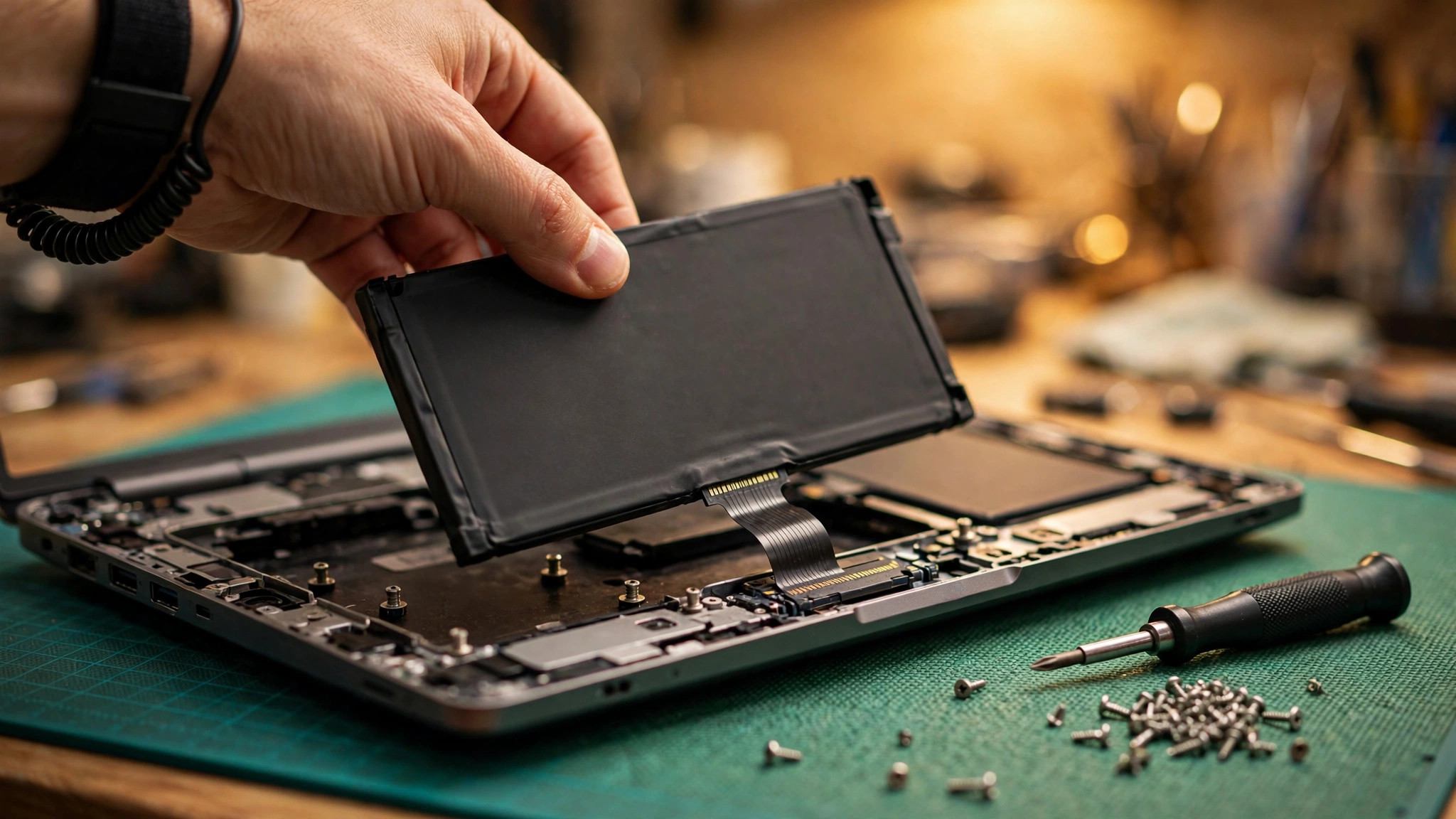
Signs of Battery Aging: Is Your Notebook Due for a Replacement?
Notebook lithium batteries are consumable components with an average lifespan of 2-4 years (or 300-500 charge cycles). Here are the typical symptoms of battery aging:
- Fully charged but only lasts 30 minutes or less
- Shows 50% charge but suddenly shuts down (inaccurate charge reading)
- Battery swelling — keyboard or touchpad bulges visibly (this is the most dangerous symptom!)
- Windows displays a warning: "Consider replacing your battery"
- Won't power on at all without the charger (battery is completely dead, 0V)
- Charging is extremely slow, taking hours to reach full
Battery swelling is the most urgent situation — it means the internal chemical reaction is out of control with safety risks including fire. If you notice the touchpad or keyboard bulging, or the case being pushed apart, stop using and charging immediately and bring it in for repair.
According to ComputerKing repair center statistics, we handled over 2,000 notebook battery issues in 2025-2026: approximately 35% were pure battery aging, 28% battery swelling, 22% charging circuit faults, and 15% charger issues causing no charging.
Check Battery Health: Windows Built-in Tool Is All You Need
No additional software needed — Windows has a built-in battery report:
1. Open Command Prompt as Administrator
2. Type: powercfg /batteryreport
3. It generates an HTML report saved at C:\Users\[your username]\battery-report.html
4. Double-click to open and check two key numbers:
- Design Capacity: The original factory capacity
- Full Charge Capacity: Current actual full charge capacity
Assessment Criteria:
- Full Charge Capacity > 80% Design → Battery is healthy
- Full Charge Capacity 60-80% → Aging, noticeable battery life reduction, time to consider replacement
- Full Charge Capacity 40-60% → Severely degraded, replacement recommended
- Full Charge Capacity < 40% → Battery is essentially finished, must replace
Cycle count is also visible in the report. Generally, batteries show significant degradation after 300-500 cycles. MacBook users can check "System Information > Power" for cycle count and health status.
Battery Replacement Options: OEM vs. Branded Third-Party vs. Taobao Cheap Batteries
This is the most frequently asked question. Here's the detailed comparison:
| Comparison | OEM Battery | Branded 3rd Party (e.g., Green Cell) | Taobao Cheap Battery |
|---|---|---|---|
| Price Range | $500-$1,500 | $300-$700 | $80-$250 |
| Capacity Accuracy | 100% match | 95-100% | 50-80% (often mislabeled) |
| Lifespan | 2-4 years (300-500 cycles) | 1.5-3 years | 3 months-1 year |
| Safety Certifications | CE, UL, UN38.3 | CE, RoHS | Usually none, possibly fake labels |
| Compatibility Guarantee | 100% | Mostly compatible | Frequent "Battery Not Detected" |
| Warranty | Manufacturer warranty | Usually 6-12 months | 7 days return (you pay shipping) |
| Swelling Risk | Very low | Low | Elevated (cheap protection circuits) |
| Recommendation | ⭐⭐⭐⭐⭐ | ⭐⭐⭐⭐ | ⭐ |
Personal recommendation: Notebook batteries are lithium battery products with safety risks — not worth saving a few hundred dollars on batteries of unknown origin. OEM is best; branded third-party is an acceptable budget compromise. Taobao batteries under $100 labeled "genuine" are almost certainly counterfeit.
MacBook users take note: For MacBook 2018 and later models, the battery is glued to the Top Case (keyboard + Touch Bar + upper case assembly) and must be replaced as a complete unit. OEM battery replacement costs approximately $1,500-$2,500 depending on model.
DIY vs. Professional Replacement: Internal vs. External Batteries
| Battery Type | Common Models | DIY Difficulty | Tools Needed | Recommendation |
|---|---|---|---|---|
| External removable | Older notebooks, some business models | ★☆☆☆☆ | None (just snaps out) | DIY is fine |
| Internal screw-mounted | Some Lenovo, Dell | ★★★☆☆ | Small Phillips screwdriver | Try if experienced |
| Internal adhesive-mounted | Most Ultrabooks, MacBooks | ★★★★☆ | Screwdriver + spudger + solvent | Strongly recommend professional |
| Internal + Top Case integrated | MacBook 2018+ | ★★★★★ | Special tools + experience | Professional repair only |
If you're not experienced with disassembly, the risk of damaging ribbon cables, cracking the screen, or even puncturing the battery (which can cause fire!) far exceeds the labor cost you'd save. Internal adhesive-mounted batteries require solvent to remove and can easily damage other components during the process.
Replace Battery or Replace Laptop? Decision Guide for 2026
This is the ultimate question: spend $500-$1,500 on a battery, or upgrade to a new machine?
Replace the battery if:
- Laptop was purchased within the last 3 years (2023 or later)
- You're running an SSD with sufficient RAM (8GB+)
- Performance still meets your needs
- MacBook M1/M2/M3 series (these machines will last many more years after a battery swap)
Replace the laptop if:
- It's over 5 years old
- Still using a traditional HDD (painfully slow)
- Only 4GB RAM with no upgrade path
- CPU is Intel Celeron / Pentium / old-gen Core i3
- Battery is dying AND other components have issues (keyboard keys failing, display with dead pixels)
Borderline cases (ask us):
- 3-5 year old mid-range config → bring it in for assessment; we'll calculate the cost-effectiveness of battery vs. new machine
- Gaming notebook → depends on your performance requirements; an old gaming notebook with a new battery can still serve for 1-2 more years
Pro Tip: Hong Kong Weather's Effect on Batteries
ComputerKing Hardware Expert Warning: Hong Kong summers are hot and humid — the perfect nightmare for lithium batteries. High temperatures (35°C+) accelerate chemical aging of lithium batteries; batteries consistently exposed to high temperatures can have their lifespan reduced by 30-50%. Never leave your notebook in a car (summer cabin temperatures can exceed 60°C) or in direct sunlight on a windowsill. Also, if you use a notebook cooling pad, besides lowering CPU temperatures, it also helps cool the battery — this is a good habit to develop.
Battery Care Tips (Extend Lifespan)
1. Don't keep it permanently plugged in, but don't always drain to 0%: The ideal range is 20%-80%. Many notebooks (Lenovo, Dell, ASUS) offer a battery conservation mode that caps charging at 60% or 80%, ideal for users who are always plugged in.
2. Heat is the battery's biggest enemy: Don't use the laptop on bedding or pillows (blocks vents), don't leave it baking in a car.
3. Do one full charge cycle every 1-2 months: From 100% to 20%, then back to 100%. This isn't for "memory effect" (lithium batteries don't have this) — it's to recalibrate the Battery Management System (BMS) for accurate charge readings.
4. Use OEM or certified chargers: Cheap no-name chargers with unstable voltage accelerate battery aging.
FAQ
Q: Will keeping my notebook plugged in all the time damage the battery?
A: Modern lithium batteries don't "overcharge" — the circuit stops charging when full. But consistently staying at 100% does accelerate aging because lithium batteries undergo faster chemical reactions at high voltage states. If you're plugged in most of the time, enable battery conservation mode (if available) to cap charging at 60-80%.
Q: Can I still use the laptop if the battery is swollen?
A: Absolutely not! Battery swelling means the internal structure is compromised — continued use and charging pose a fire risk. Immediately stop using, unplug the charger, do not charge further, and bring it in for professional handling. Swollen batteries are an urgent case — don't delay.
Q: What's the difference between Taobao "OEM batteries" and genuine original batteries?
A: The vast majority of Taobao "OEM" batteries are counterfeits with cheap protection circuit (BMS) chips and no safety certifications. They may look similar on the outside, but the cells and protection circuits are completely different. Counterfeit batteries can exhibit: severely inflated capacity claims, sudden power-offs, refusal to charge at 0%, or even catch fire. We've seen too many cases of machines damaged — even motherboards fried — by cheap batteries.
Q: Can I use my notebook without a battery, just on the charger?
A: Most notebooks can. But note: without a battery, if power suddenly cuts (tripped breaker, kicked plug), you'll instantly lose unsaved work. Also, some notebooks throttle performance without a battery (because the charger alone can't supply enough power for CPU full load and charging simultaneously). We recommend keeping even an aged battery in the machine as a UPS.
ComputerKing Battery Replacement Service
We provide professional notebook battery replacement:
- 🔋 OEM or high-quality third-party batteries: No cheap Taobao parts
- ⚡ Same-day replacement: Most models done within 30 minutes
- 🛡️ 30-day warranty: Any issues, we replace immediately
- 💰 Old battery recycling: We properly dispose of old batteries (lithium batteries cannot just go in the trash!)
📞 WhatsApp 2115 9219 to inquire about battery replacement for your notebook model, or visit our Sha Tin / Wan Chai stores.
*Last updated: July 29, 2026. Written by the ComputerKing Hardware Team based on 2,000+ battery replacement and repair cases.*
Frequently Asked Questions
How long do laptop batteries last?
2-4 years, roughly 500-1000 charge cycles. Then capacity drops noticeably.
Swollen battery — still usable?
Stop using it! Swollen lithium batteries are a fire risk. Stop charging and replace immediately.
Replace battery or buy new?
Under 3 years and fast enough: replace battery (a few hundred HKD). Over 5 years and slow: buy new.
Are third-party batteries OK?
Quality varies wildly; some swell within months. Use genuine or supplier-tested batteries.