Hardware Repair · October 2, 2026 · Computer Maintenance Expert
HP Laptop Water Damage: Power Cut-Off & Teardown Guide
Spilled water on your HP laptop? Most HP laptops have internal batteries you can't just pull out. Power off immediately, flip it over, never power it on — this guide covers the right first aid and teardown steps.
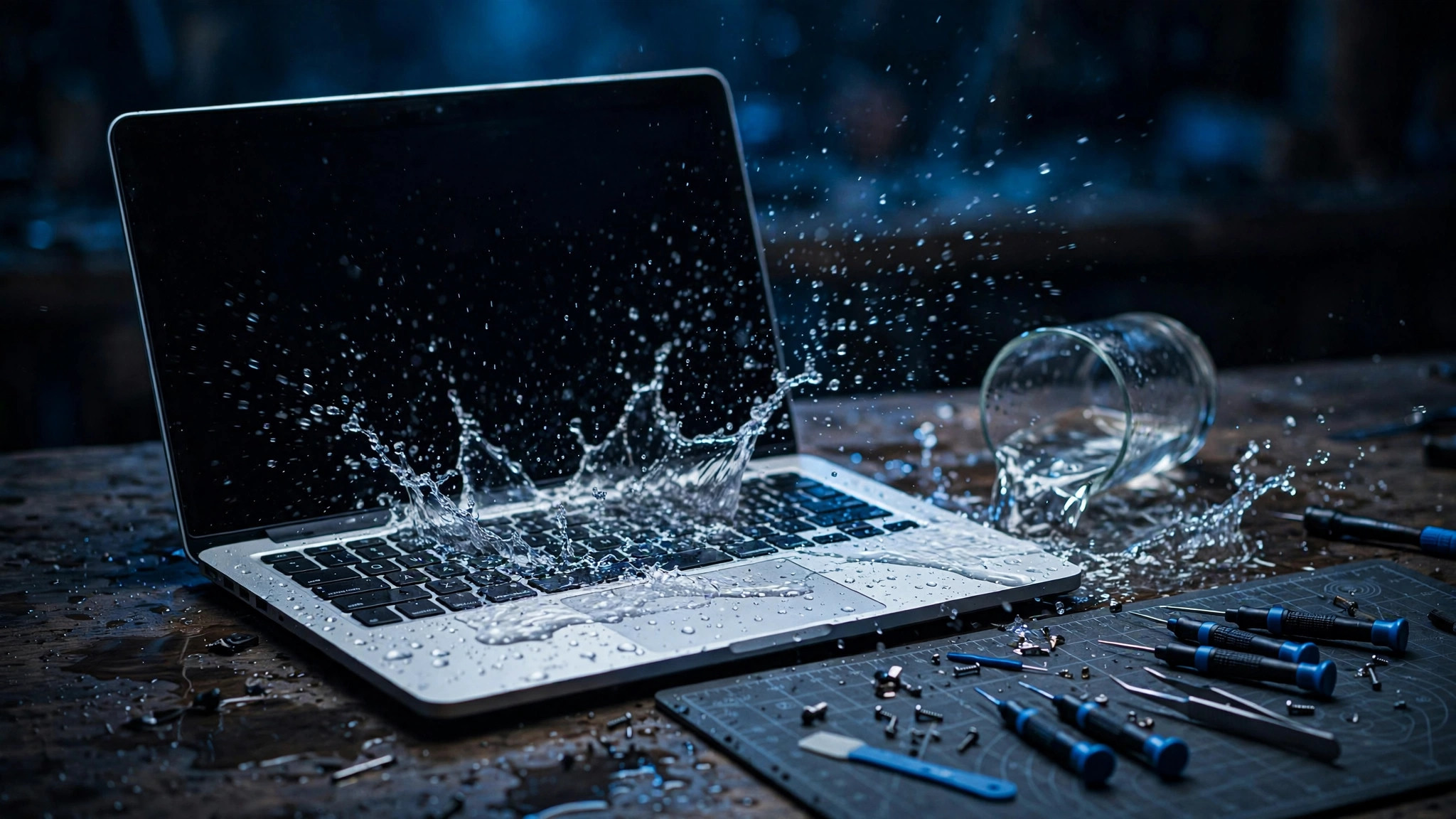
Straight answer: my HP laptop got wet — what should I do first?
Cut the power, and don't try turning it on. Most modern HP laptops use built-in batteries — you can't just pop the battery out like the old days. So flip the machine over, hold the power button down to force a shutdown, and get it to a professional who can open it up and disconnect the battery cable. Powering on after water damage is the single most common way people finish off their machine.
Why cutting power matters so much on HP machines
Generally speaking, most HP laptops sold today have internal lithium batteries — the battery isn't accessible from outside. To disconnect power, you have to remove the bottom cover, find the battery cable, and unplug it. There's no shortcut:
- The battery stays connected to the motherboard even when the machine is "off"
- Once water gets in, live circuits short easily and components burn out
- Some models use special screws on the bottom cover — forcing them strips the heads
Bottom line: with a water-damaged HP, don't assume you can just "take the battery out" — you can't. Step one is always a forced shutdown, then hand it to someone who knows how to open it.
5 immediate first-aid steps after water gets in
1. Shut it down now: hold the power button until it goes off. Don't do a normal shutdown, don't wait for Windows — be fast.
2. Unplug everything: charger, USB, HDMI, SD card — all of it. Peripherals can carry water in too.
3. Turn it upside down: tent it keyboard-down on a towel so water drains out naturally. Don't shake it.
4. Dry the surface: dab (don't rub) the chassis, keyboard gaps and vents with a dry towel or paper tissue.
5. Don't power on — send it for repair: even if it looks dry, the inside probably isn't.
Teardown essentials: disconnect the battery cable first
When a professional opens a water-damaged HP, the process generally goes like this:
- Confirm the machine is fully powered off before removing the bottom cover
- Once the battery is visible, disconnect the battery cable first — this is the safety-critical step of the whole job
- Map the water's reach: keyboard, touchpad, motherboard, battery — what's affected
- Clean water marks and oxidation on the board with proper cleaning agents, dry thoroughly, then test
Don't tear it apart yourself: HP laptop cables are thin and plentiful, the clips are tiny, and one wrong pry breaks them. Some models have tamper-evident seals under the cover — and if your machine is still under warranty, opening it yourself may affect your coverage.
Things you must never do
- ❌ Try turning it on: the most damaging move. Power plus water residue equals short circuits, and a fried motherboard.
- ❌ Plug in the charger: just as dangerous — current going the wrong way through wet circuits burns things out.
- ❌ Blast it with a hair dryer or heater: heat melts adhesives and warps plastic, and drives moisture deeper inside.
- ❌ Bury it in rice: rice dust clogs vents and ports, and it barely dehumidifies anything.
- ❌ Keep pressing buttons to "test": every press is another chance to short something.
Why a dry surface doesn't mean it's fine
Plenty of people assume "I wiped it dry, aired it out for a few days, it's fine." The reality:
- Water already got inside: the motherboard sits right under the keyboard — water seeps through the key gaps immediately
- Mineral residue stays behind: the water dries, but the minerals and impurities in it remain, and they keep conducting
- Corrosion is slow: copper traces and solder joints touching water residue can corrode days later — working today, dead next week, happens all the time
- Hong Kong is hot and humid: trapped moisture inside the machine barely evaporates on its own, and mould and oxidation set in faster
Real treatment means opening it up, cutting power, cleaning the board and drying it properly — not wiping the surface.
DIY vs professional: at a glance
| DIY | Professional repair | |
|---|---|---|
| Immediate first aid | Doable: shut down, unplug, invert, dab dry | A technician will tell you to do these first anyway |
| Opening it to cut power | HP needs the bottom cover off first — high risk | Done daily; knows where each model's battery cable is |
| Board cleaning | No proper agents or tools — easy to make it worse | Established process for water marks, oxidation, corrosion |
| Damage assessment | Can't tell which component is hit | Tests part by part, replaces what's actually broken |
| Best for | Water only splashed the outer chassis | Any water ingress, especially through the keyboard |
In short: do the surface first aid yourself, leave the teardown to a technician.
FAQ
Q: My HP laptop got wet — will it recover if I just leave it to dry for a few days?
A: No. A dry surface doesn't mean a dry interior — water residue and mineral deposits keep corroding the motherboard. The longer you wait, the wider the corrosion spreads and the harder the repair.
Q: It still powers on after getting wet — does that mean it's fine?
A: No. Powering on only means it hasn't shorted *yet*. Corrosion from water residue can take days or even weeks to show up — failing later is actually harder to fix.
Q: Can I use a hair dryer on cool setting?
A: Not recommended. Airflow pushes moisture deeper, and it can't reach water trapped under the keyboard or in board crevices anyway. Proper drying means opening the machine.
Q: My machine is still under warranty — does water damage count?
A: Generally speaking, water damage is classed as accidental damage and isn't covered by standard warranty. And opening it yourself can affect warranty status — check your terms first, or get a professional assessment directly.
Q: How long does a water-damage repair take?
A: It depends on how far the water reached and how much corrosion there is. Light cases may just need a teardown and clean; severe board damage needs part-by-part inspection. A technician can only give an accurate assessment after seeing the machine.
How ComputerKing can help
ComputerKing handles laptop water-damage repair:
- ⚡ Safe power-cut teardown: familiar with HP's various series, battery cable disconnected safely
- 🧼 Deep board cleaning: water marks, oxidation and corrosion treated
- 🔍 Part-by-part testing: keyboard, battery, motherboard and screen each checked
- 🚪 Door-to-door or drop-off: on-site pickup across Hong Kong, Kowloon and the New Territories, plus shops in Sha Tin and Wan Chai
Water damage doesn't wait — the sooner the power is cut and the machine opened, the better the chance of saving it.
📞 WhatsApp 2115 9219 to book, or visit our Sha Tin / Wan Chai shops.
*Last updated: 2 October 2026. Written by the ComputerKing repair team.*
Frequently Asked Questions
Anything special about HP liquid damage?
EliteBooks have spill-resistant keyboards for minor spills. Still don't risk it.
HP error after spill?
Photograph the error. Often keyboard short. Don't keep powering on.
HP liquid damage recovery odds?
Depends on amount and speed. Immediate power-off: 70%+ recovery.
HP official liquid damage repair cost?
Expensive — usually board replacement, thousands. Shops do board-level repair cheaper.