Hardware Repair · April 27, 2026 · Hardware Expert
Computer Randomly Restarts? PSU Failure or Overheating?
Working on something and the screen goes black then reboots — this problem is frustrating but has a standard troubleshooting approach. Usually the PSU or thermal issue.
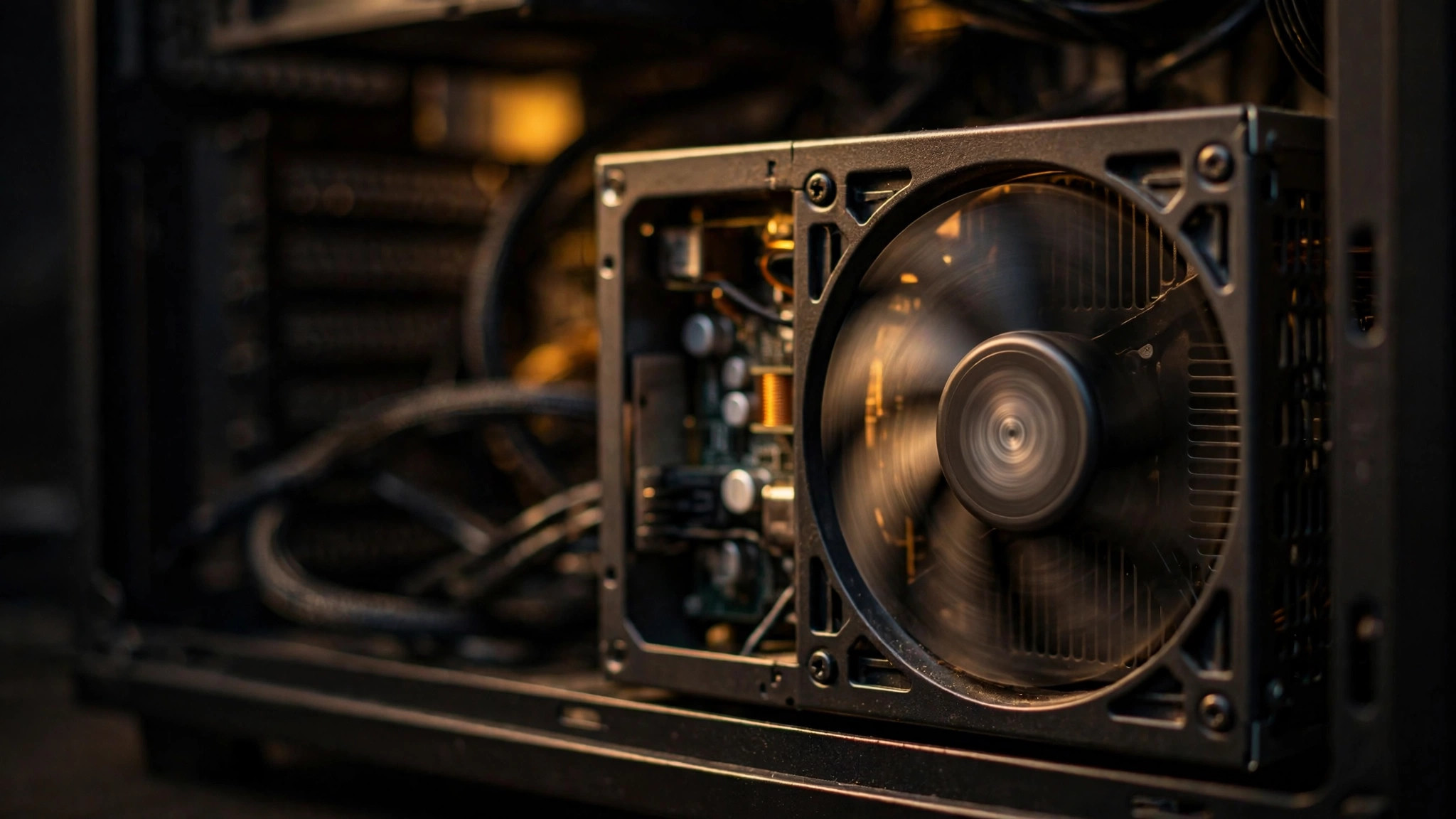
Why Does My Computer Randomly Restart? Understanding Windows' Auto-Restart Mechanism
Your computer suddenly restarts mid-use — no blue screen, no warning, just black screen then reboot. Nine out of ten times, this is a hardware issue, not just "Windows acting up."
Windows has a feature called "Automatic Restart" that reboots after a system failure instead of showing you the blue screen. So sometimes what you think is a random reboot is actually a blue screen flashing too fast to see.
Do this setting immediately:
Go to "Control Panel > System > Advanced System Settings > Startup and Recovery > Settings" and uncheck "Automatically restart." Next time it happens, you'll see the blue screen and error code, revealing the true cause.
According to ComputerKing repair center statistics, we handled over 1,500 random reboot repair cases in 2025-2026. The most common causes:
| Fault Cause | Share | Characteristic Symptoms | Repair Cost |
|---|---|---|---|
| PSU aging / insufficient power | 42% | Only reboots under high load (gaming, video editing) | $300-$800 |
| Overheating protection | 25% | Fan goes full blast before reboot, chassis burning hot | $200-$500 (clean & repaste) |
| RAM fault | 15% | Random reboots with no specific pattern | $0-$600 (RAM lifetime warranty) |
| Motherboard VRM aging | 8% | Increasingly frequent, even reboots at idle | $800-$2,500 |
| Graphics card issue | 5% | Only reboots during gaming | $300-$2,000+ |
| Software / driver conflict | 5% | Started only after installing something new | $0-$300 |
PSU Is Suspect #1 (42%): Why Does a PSU Cause Random Reboots?
The PSU is the most common culprit for random reboots. The reason is simple: as a PSU ages, its actual output wattage drops. When you're gaming or editing video, the CPU and GPU draw maximum power simultaneously — the PSU can't keep up, voltage dips, and the motherboard triggers protection shutdown/reboot.
Typical PSU aging timeline:
- New PSU: outputs 100% rated wattage
- After 2-3 years: typically drops to 85-95% (quality PSUs drop less)
- After 4-5 years: may drop to 70-85% (especially in constant high-temperature environments)
- After 6+ years: drops to 60-75%, failure imminent
Hong Kong's humid weather accelerates PSU capacitor aging. If you live near the coast (Tseung Kwan O, Tung Chung, Ma On Shan), airborne salt accelerates corrosion, potentially shortening PSU lifespan by 20-30%.
Three ways to test if the PSU is at fault:
1. Cross-testing: Swap in a known-good PSU (most reliable method)
2. OCCT / Prime95 stress test: Simulate high load — if it reboots under stress, PSU is the prime suspect
3. HWMonitor voltage check: If +12V drops below 11.4V or +5V drops below 4.75V, the PSU has issues
Check Event Viewer: Windows Left You Clues
Even without a blue screen, Windows leaves records in Event Viewer:
1. Open Event Viewer (type "Event Viewer" in Start)
2. Expand Windows Logs → System
3. Look for Event ID 41 (Kernel-Power) critical errors (red exclamation mark)
4. This error means "the system shut down unexpectedly" — not a normal shutdown, but a sudden power loss or hardware-triggered forced shutdown
If you see many Event 41 entries and they occur under high load → PSU.
If Event 41 has no pattern and occurs at idle → RAM or motherboard.
If you see WHEA-Logger Event 18 or other hardware errors → CPU or PCIe device.
Overheating Also Causes Reboots (25%): Temperature Standards and Solutions
When CPU or GPU overheats, the motherboard forces a power cutoff (Thermal Protection) — which looks exactly like a random reboot.
Use HWMonitor (free) to check temperatures:
| Component | Normal Idle | Normal Full Load | Danger Zone |
|---|---|---|---|
| CPU | 30-50°C | 60-85°C | 95°C+ |
| GPU | 30-45°C | 70-85°C | 95°C+ |
| SSD | 25-40°C | 40-55°C | 65°C+ |
| Motherboard VRM | 30-50°C | 60-90°C | 105°C+ |
If you're seeing 60°C+ at idle, the cooling system is definitely compromised — most likely dried thermal paste or dust-clogged fans.
Hong Kong summer (May-September) is peak season for overheating reboots. We recommend doing a dust clean and thermal paste replacement every April-May to prepare for summer.
RAM Can Also Be the Problem (15%): MemTest Helps
Faulty RAM, incompatible RAM, or even RAM running too aggressive XMP/DOCP profiles can all cause random reboots.
Testing method:
- Type "Windows Memory Diagnostic" in Start, reboot to run a quick test
- For deeper testing, download MemTest86, boot from USB, run one full pass (takes several hours)
- If errors found: test each RAM stick individually with MemTest to identify the faulty one
- If all RAM passes but reboots continue: try disabling XMP/DOCP (run RAM at default 2133/2400 MHz) to see if reboots stop
Motherboard VRM Aging (8%): The Hardest to Diagnose
The motherboard VRM (Voltage Regulator Module) converts the PSU's 12V to the ~1.0-1.4V the CPU needs. As the VRM ages, power delivery becomes unstable and the CPU randomly crashes.
VRM aging characteristics:
- Reboot frequency gradually increases (from monthly → weekly → daily)
- Reboots occur even at idle (PSU issues typically only under load)
- Swapping PSU, RAM, and cleaning/repasting makes no difference
Diagnosing VRM issues requires professional equipment (oscilloscope to check ripple) — beyond what a typical user can do. If replacing PSU + RAM + cleaning/repasting doesn't help, it's 90% a motherboard issue.
Quick Diagnostic Table: Three Types of Reboot Scenarios
| Scenario | Most Likely Cause | Next Step |
|---|---|---|
| Only reboots during gaming/video editing | PSU insufficient or graphics card issue | Swap PSU to test |
| Reboots within minutes of power on | Overheating (thermal paste completely dried) | Check temperatures |
| Random reboots, no pattern | RAM or motherboard VRM | Run MemTest |
| Started only after installing something new | Driver conflict or new hardware issue | Uninstall new driver / remove new hardware |
| Blue screen flashes right before reboot | Driver or hardware error | Uncheck auto-restart, read error code |
| Only happens during Hong Kong summer | Overheating (weather + humidity) | Clean dust + repaste + turn on AC |
Pro Tip: Always Budget Extra PSU Wattage Headroom
ComputerKing Hardware Expert Tip: Don't buy a PSU that's "just enough." If your system draws 400W at full load, get at least a 550W or even 650W PSU. Two reasons:
1. PSU efficiency curve peaks at 50-60% load: A PSU is most efficient, generates least heat, and is most stable at ~50% load. Sustained 90%+ load accelerates aging.
2. PSU wattage drops with age: A new 500W PSU may only deliver 400-425W after three years. Headroom ensures it's still sufficient even when aged.
>
Also, 80 PLUS certification (Bronze / Gold / Platinum) indicates efficiency (conversion efficiency), not quality. But generally, Gold and higher-rated PSUs use better capacitors and components with longer lifespans. We recommend at minimum an 80 PLUS Gold PSU — it's cheaper in the long run.
FAQ
Q: My new build has random reboots — is the PSU wattage insufficient?
A: Most common cause. Many build lists underestimate actual power draw. An RTX 4060 officially has 115W TDP, but transient spikes can hit 200W+. Use a PSU calculator (e.g., OuterVision, be quiet! PSU Calculator) and add 20-30% buffer. Also check whether your GPU power cables are daisy-chained (one cable with two PCIe connectors) — it's better to use two separate cables.
Q: Random reboots only started after a Windows Update — could that be the cause?
A: Possible. Especially after major updates (e.g., 23H2 → 24H2), driver conflicts can emerge. Try uninstalling recent Windows Updates (Settings > Windows Update > Update history > Uninstall updates). Also check for optional driver updates that may have been pushed — Windows Update sometimes installs incompatible drivers.
Q: After a reboot, the computer won't turn back on for a few minutes. Why?
A: Classic sign of overheating or PSU protection. Once thermal protection triggers, you must wait for temperatures to drop before it allows power-on again. PSU internal protection works similarly — it needs time to reset after an overload. If reboots are followed by a 5-10 minute cooldown before it powers on again, it's almost certainly overheating.
Q: Are notebook random reboots caused by the same things as desktop random reboots?
A: Mostly the same, but notebooks have additional causes: unstable battery power delivery (try removing battery and running on charger only), charging IC failure, and static electricity buildup (remove battery + hold power button 30 seconds to discharge). Notebooks have tighter internal space, so overheating is even more common than on desktops.
ComputerKing Random Reboot Diagnostic Service
Random reboots are one of the hardest problems to diagnose because they don't leave clear error codes like blue screens do. We have professional equipment for component-by-component diagnosis:
- 🔌 PSU testing: Professional load tester, not just a multimeter voltage check
- 🌡️ Temperature monitoring: Stress testing + thermal imaging to identify hotspots
- 📊 Oscilloscope ripple testing: Check motherboard power delivery stability
- 🧪 MemTest Pro: Quickly and accurately identify RAM issues
Basic diagnosis from $200 (deductible from repair cost if you proceed). Stop guessing — we'll tell you what's wrong within an hour.
📞 WhatsApp 2115 9219 to book, or visit our Sha Tin / Wan Chai stores.
*Last updated: July 29, 2026. Written by the ComputerKing Hardware Team based on 1,500+ random reboot diagnostic and repair cases.*
Frequently Asked Questions
Why does my PC restart itself?
Most common: overheating, weak PSU, loose RAM. Less common: swollen capacitors, malware.
How to tell if it's the PSU?
Restarts under load but fine idle = likely PSU. Especially after adding a new GPU.
How many watts do I need?
400W for office PCs. Gaming: 650W+ depending on GPU. Use an online PSU calculator.
Is replacing a PSU hard?
Not hard, but be careful. Photograph every cable. If unsure, we'll do it in minutes.