Hardware Repair · October 2, 2026 · Computer Maintenance Expert
Acer Laptop Water Damage: Budget Laptops Can Be Saved Too
Spilled water on your Acer laptop? Don't write it off just because it was affordable — your data and a good chance of rescue are worth fighting for. This guide covers immediate first aid and teardown handling.
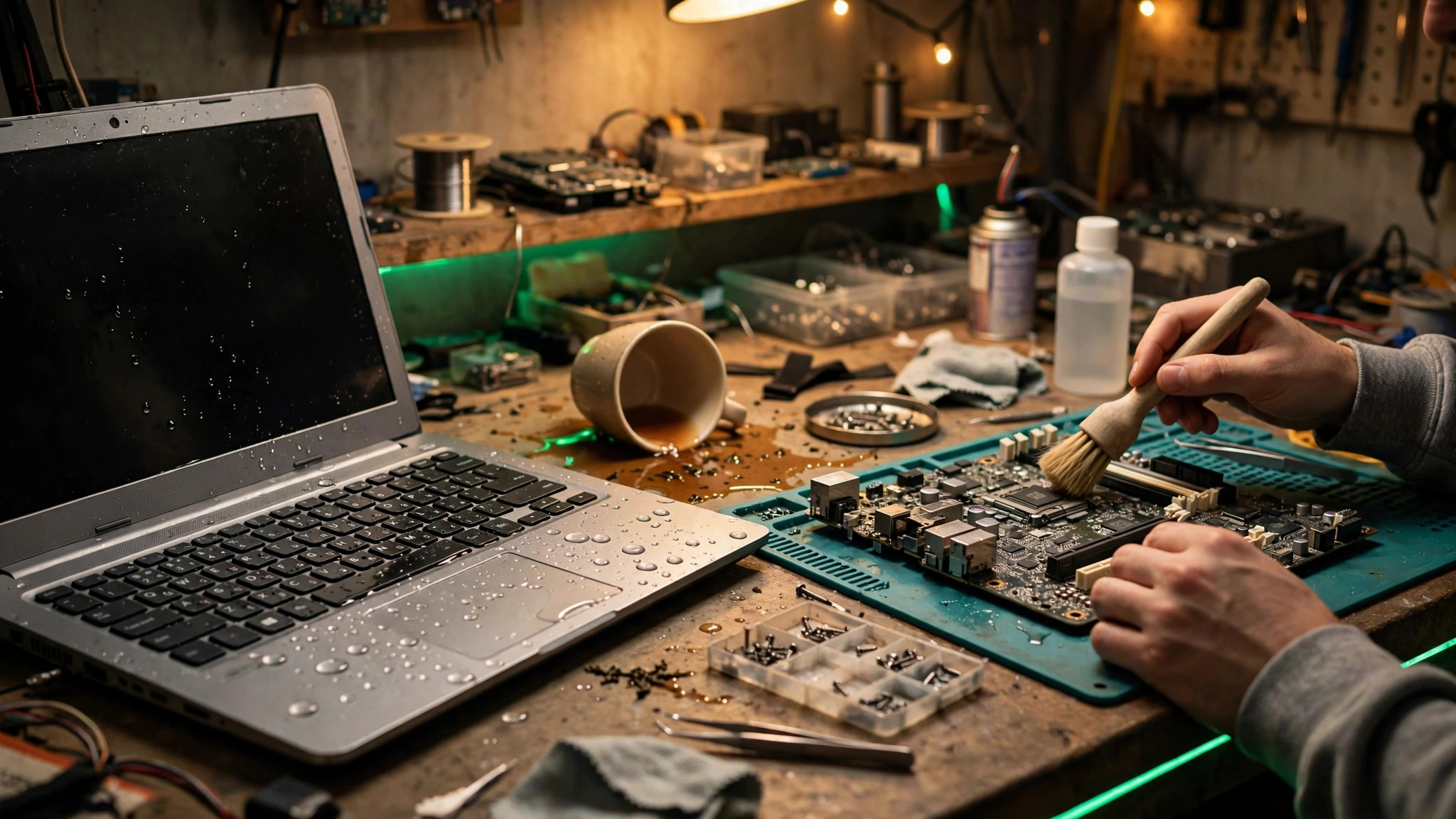
Quick answer: my Acer laptop got wet — is it a lost cause?
No — and don't write it off just because it was cheap. Acer machines are often budget-friendly, so the first reaction is usually "repairing costs more than a new one, forget it." But that thinking has a blind spot: the laptop may be cheap, but the data inside isn't. Photos, documents, work files — it's all in there. And water damage doesn't automatically mean a write-off. Act fast and act right, and even a budget machine can be saved.
The Acer reality: mostly entry-level, but still worth fixing
Acer is known in Hong Kong for value for money, with a lineup focused on entry-level to mid-range machines. Generally speaking, recent Acer laptops mostly use built-in battery designs (accessed from inside the bottom cover, not the old snap-off external type) — which matters a lot for water-damage handling, as we'll explain below.
On parts availability, here's the honest picture: some Acer models ship in huge volumes, so compatible parts are relatively easy to find; other, less common models may have individual parts that aren't immediately available. Whether a repair is worthwhile never comes down to the brand — it depends on the extent of the damage and parts availability, assessed case by case. Don't declare the machine dead before it's been inspected.
Pro tip from our technicians: when weighing up a repair, count "the value of your data + the value of keeping the machine running," not just what you paid for it. A three-thousand-dollar laptop can hold a project worth far more.
5 emergency steps right after water gets in
These first few minutes are golden — do them right and you can hugely limit the damage:
1. Power off immediately, no hesitation. Hold the power button to force it off — don't do a normal shutdown (it wastes time). Electricity plus liquid is what causes short circuits; cutting power stops the bleeding.
2. Unplug everything. Charger, USB, HDMI, mouse — all of it. Staying plugged in while wet is the worst-case scenario.
3. Drain it out. Tilt the machine keyboard-down so water flows back out. Don't shake it or slap it hard — you want water to leave, not travel deeper inside.
4. If the battery is externally removable, take it out. Generally speaking, though, recent Acers mostly have built-in batteries — don't try prising the bottom cover off yourself, or you may snap a ribbon cable.
5. Keep it ventilated, don't power it on. Leave it in a dry, airy spot, propped up keyboard-down, and let it air-dry naturally. Then get it to a professional — don't test it yourself.
Teardown essentials: disconnect power first, don't wing it
The number-one rule for any professional water-damage job is disconnect the battery first. Even when the machine is off, the motherboard still carries standby power, and that keeps corrosion going. So step one of any teardown is always unplugging the battery connector to isolate all power.
Then it's a layer-by-layer strip-down, checking where water reached and where oxidation has started. The real enemy isn't the water itself — it's the minerals and impurities in it. Once dry, the residue left behind keeps eating away at the circuitry.
Acer laptop bottom covers can be tight on some models, with their clips and screws, and the ribbon cables tend to be delicate. If you've never opened a laptop before, don't try — failing to get it back together is the least of it; one torn ribbon cable turns into an extra repair.
4 things you must never do
| Don't | Why |
|---|---|
| Power it on to "see if it works" | Powering on sends current through wet circuits — instant short, instant dead board. Something salvageable becomes scrap in one press. |
| Plug in the charger | Same as above, worse — charging current is stronger, so it fries faster. |
| Blast it with a hairdryer | Heat warps plastic parts, damages the battery, and blows water deeper into crevices. Natural air-drying is the way. |
| "It's so cheap, not worth saving" | Data doesn't lose its value just because the laptop was cheap. Even if you decide against repairing the machine, the data can usually still be recovered. |
One more myth to kill: "put it in a bag of rice." Rice starch and dust get inside the machine and make proper cleaning harder, not easier. Skip it.
Why wiping the surface dry doesn't mean it's fine
A lot of customers tell us: "I wiped it dry straight away, it looks fine." But a dry surface doesn't mean a dry inside — water that seeped through the keyboard gaps has already gone places you can't see, and three things are still doing damage in there:
- Corrosion is underway: moisture plus metal plus electricity means oxidation spreading over days. Booting today doesn't guarantee booting next week.
- Mineral residue stays behind: when water dries, the minerals and impurities in it don't evaporate with it — they cling to the circuitry and keep causing trouble.
- Hong Kong humidity helps the enemy: with our high humidity, trapped moisture evaporates slowly, giving corrosion more time to work.
So "wiped dry and it boots" isn't a clean bill of health — it just hasn't blown up yet. Any machine that's taken in water should be opened up and inspected, whether or not it powers on.
DIY vs professional: the comparison
| DIY | Professional repair | |
|---|---|---|
| Immediate first aid | Doable (power off, drain, ventilate) | Of course |
| Disconnecting the battery | Built-in battery means opening the cover — risky | Safely isolated first thing |
| Internal cleaning | Can't see or reach inside properly | Full teardown, board-by-board corrosion cleanup |
| Data | Stuck if the machine won't boot | SSD removed and read directly — recoverable even with a dead board |
| Judging whether it's worth fixing | Guesswork | Quoted after inspection; walk away if it doesn't add up |
| Best for | The first few minutes of first aid only | Everything after that — leave it to a technician |
FAQ
Q: Are water-damaged Acers usually unfixable?
A: No. Water damage depends on how much liquid, what kind of liquid, and how fast it was handled — not the brand. A splash of clean water and a full cup of milk tea spilled across the keyboard are two different stories. It takes an inspection to know.
Q: My laptop only cost a few thousand — if repair costs more than a new one, should I just give up?
A: Think of it as two separate things: saving your data, and fixing the machine. Even if you decide not to repair the laptop, the data inside can usually still be saved. Don't throw away your data to save on a repair bill.
Q: How soon after water damage should I bring it in?
A: As soon as possible. Corrosion is a race against time — the longer you wait, the slimmer the chances of a full recovery. Do the emergency steps, then send it in.
Q: If it still boots, does that mean it's fine?
A: No. As explained above, corrosion can take days to show up. A machine that took in water and still boots needs opening up and checking — don't pretend nothing happened.
How we can help
ComputerKing has a proper workflow for water-damaged laptops:
- ⚡ Emergency power isolation: cut all power immediately to stop shorts and spreading corrosion
- 🔍 Full teardown inspection: board by board — where the water went, where oxidation started
- 🧹 Deep cleaning: removing water stains and mineral residue properly, not just wiping the surface
- 💾 Data first: whatever happens to the machine, your data gets rescued first
- 💬 Quote after inspection: we'll tell you honestly whether it's worth fixing — you decide
A budget machine is still worth saving — what you're saving isn't the price tag, it's your data and the convenience of keeping it running. Don't wait, don't test-boot it, get it to us straight away.
📞 WhatsApp 2115 9219 for on-site service or drop-off, or visit our Shatin / Wan Chai stores.
*Last updated: 2 October 2026. Written by the ComputerKing technician team.*
Frequently Asked Questions
Acer liquid damage recovery odds?
Same as others — speed matters. 60-70% with immediate power-off. Acer parts are cheap.
Worth repairing a budget Acer?
Board cleaning for hundreds: yes. Board replacement: no (costs more than the machine).
Swift or Aspire more durable?
Swift is thin — liquid hits board fast. Aspire has more buffer. Both need immediate action.
Charging port liquid damage?
Don't plug in! Dry with cloth, air-dry 48 hours. Plugging in shorts the board.